Image Module
This module allows you to add an image to your Experience. The image module can be added in the Content section or the Form section.
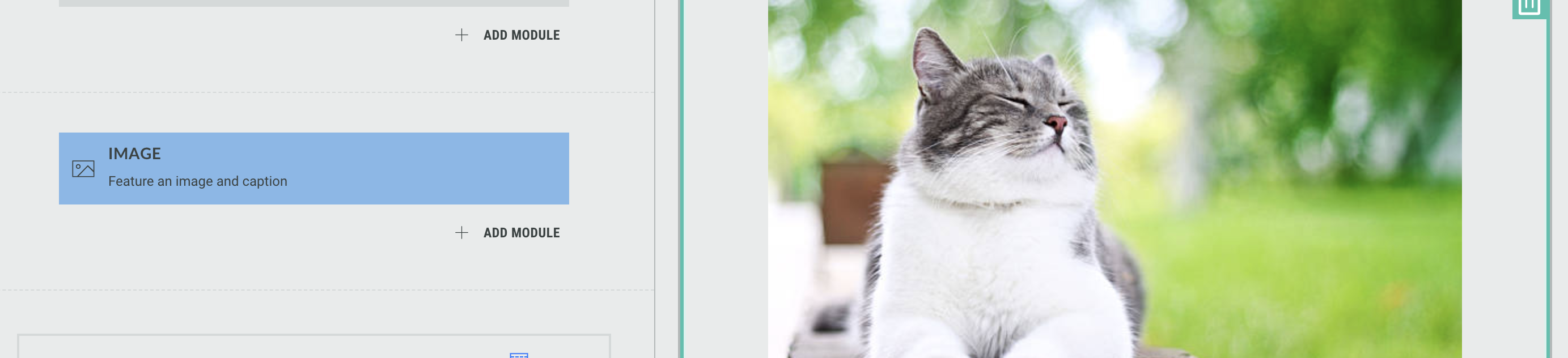
Click directly on the Image module in the Page Builder to edit it, or click the Pencil icon.
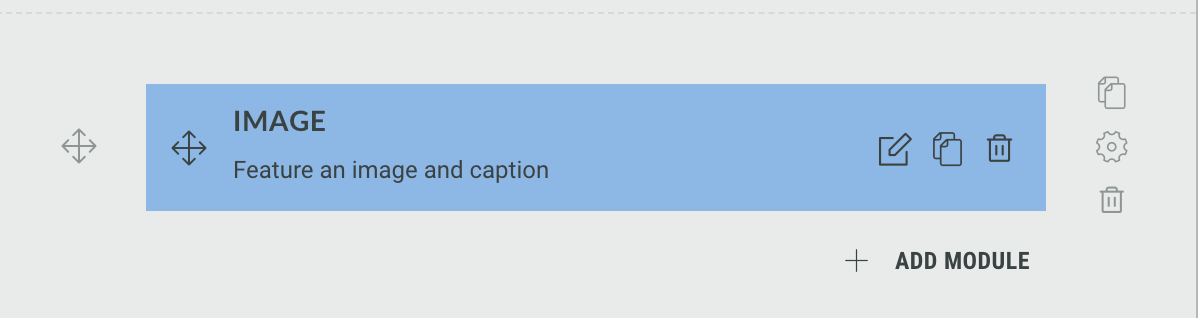
The following sections are available which can be edited (from the tabs at the top): Image Module, Image Module, Image Module
Settings
-
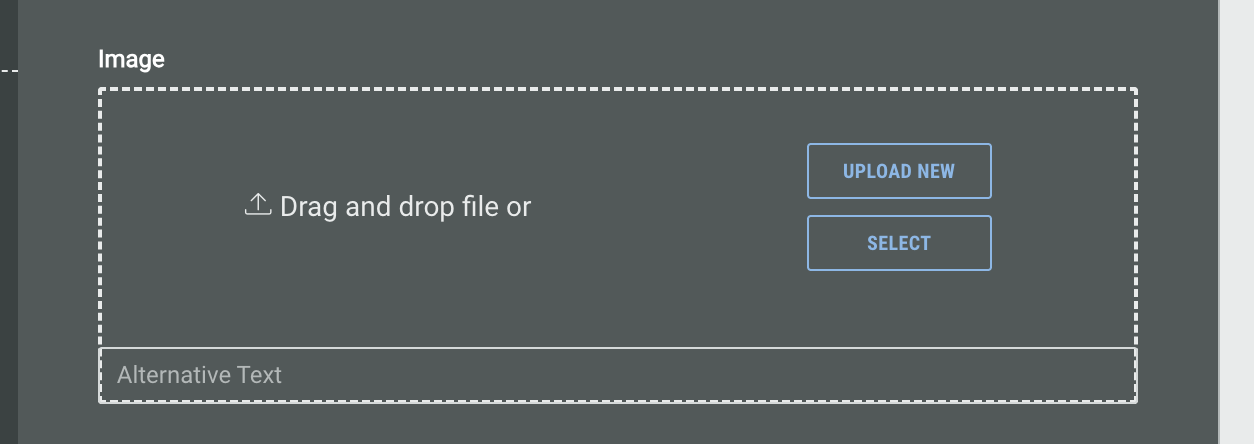
Image - add your desired image to the module. Choose either of the following options:
-
Upload New to upload an image from your computer
-
Select to choose an image from within your existing Experience library. Alternatively, select an image from one of over 3 million royal free images from our integration with Pexels
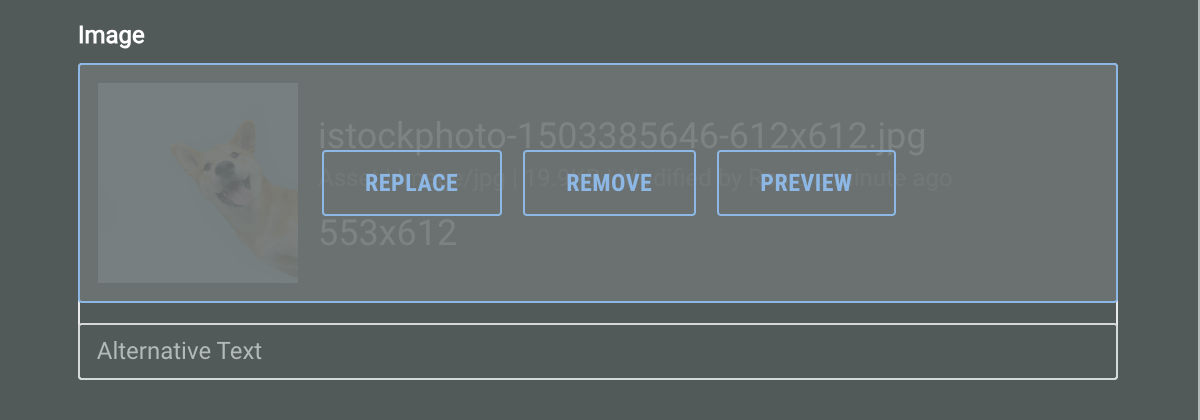
Once uploaded, hover over the image to either Replace, Remove, or Preview.
-
-
Add Alternative Text using the text field available.
-
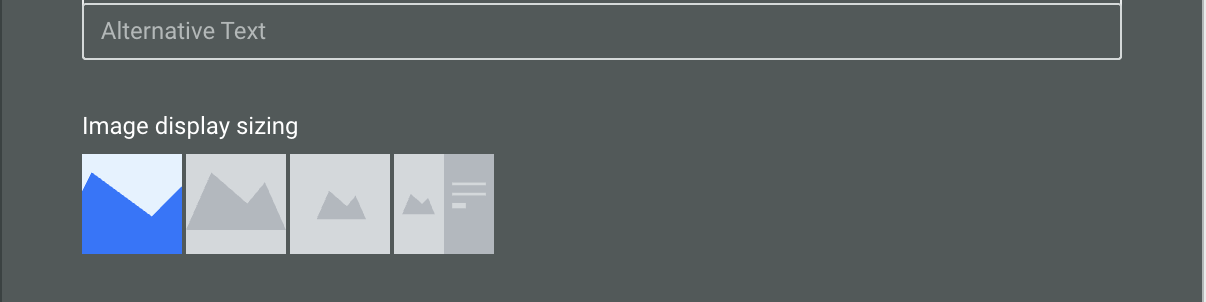
Choose from the options to determine how your image will fit within the Experience
-
Fill - Fills the available space while maintaining aspect ratio
-
Fit - Scales the image to fit the available space while maintaining aspect ratio
-
Original - Displays the image at its original size
-
Stretch (only available if placed in a multi column row) - Expands the image to match the height of the neighboring column.
-
-
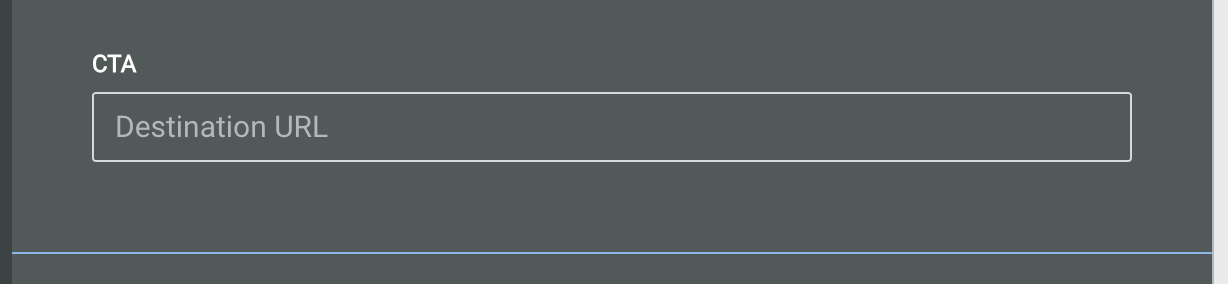
Enter a destination URL in the CTA field.
-
Add a Caption to be displayed underneath the image.

-
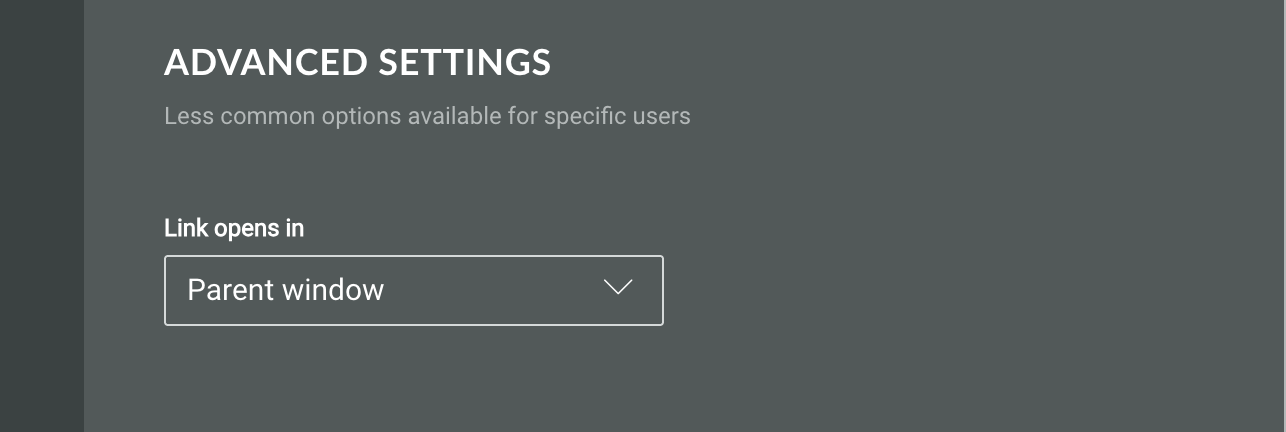
Under Advanced Settings, choose how the URL you have added in the CTA field will be opened. Select whether the link opens in:
-
Parent window
-
New window
-
Same frame
-
Design
Within the Design tab you can edit the following settings.
-
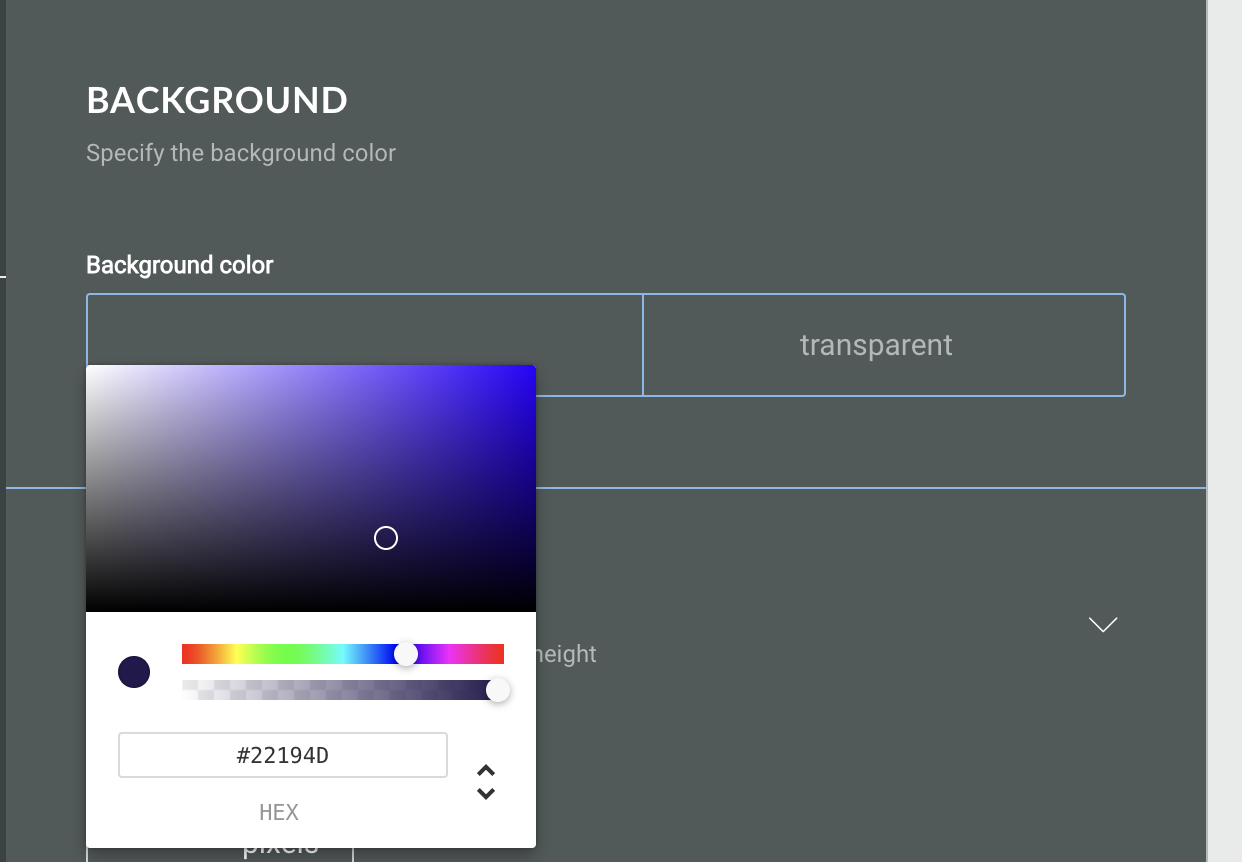
Background color - use the color picker to choose a color, or type the HEX code into the text field
-
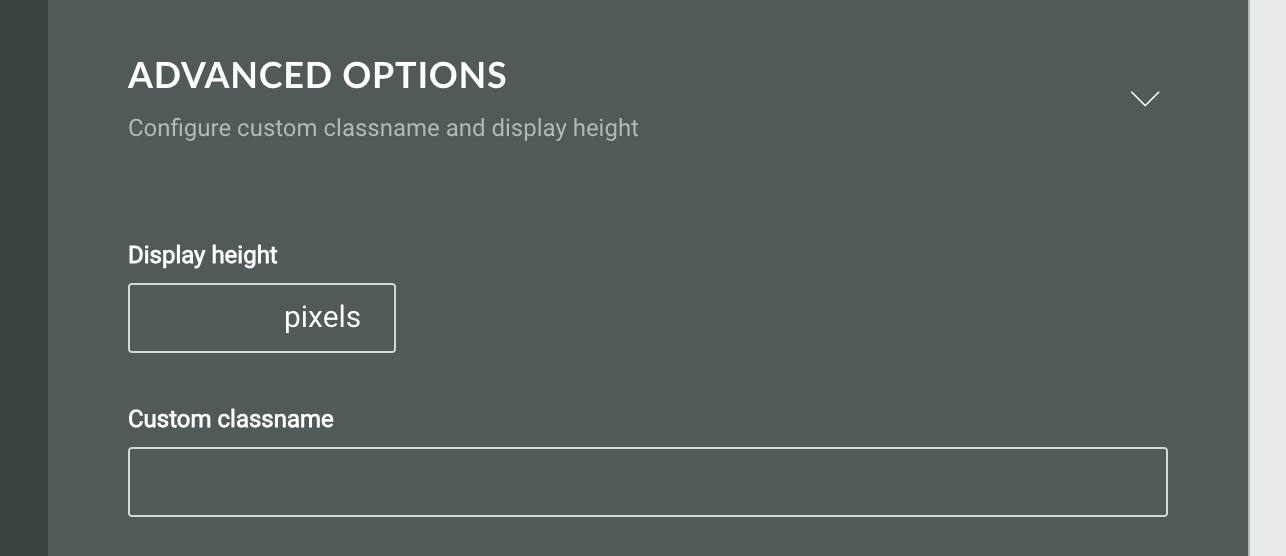
Under Advanced Options, define the display height in pixels, and set a custom classname
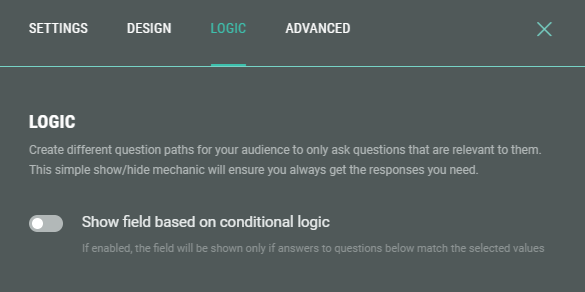
Logic
On the Logic tab, you can create different question paths for your audience to only ask questions that are relevant to them. This is based on conditional logic determined by answers given to quiz questions in this Experience.